 d008ccc6ab
A single-symbol QNT-USDC trader produced 0 candidate coins, 500 errors
from Hyperliquid, and "🚫 Dropped AI decision" warnings — the agent had
no market data to reason about, so it sat in `wait` forever. Three
chained bugs:

1. provider/hyperliquid/kline.go (IsXYZAsset / FormatCoinForAPI):
   asset detection required the base symbol to appear in the hardcoded
   StockPerpsSymbols / XYZOtherSymbols / display-alias lists. QNT, ARM,
   and every other newly-listed Hyperliquid USDC perp wasn't in the
   list, so the code routed them to the crypto path (CoinAnk) which
   doesn't have them. Now the `-USDC` suffix and `xyz:` prefix are
   trusted as definitive Hyperliquid signals — these tokens are
   Hyperliquid-specific and new listings don't require a code change.
   The hardcoded lists are kept as fallbacks for bare base symbols.

2. market/data_klines.go (getKlinesFromHyperliquid): the function
   stripped the `xyz:` prefix before calling GetCandles, defeating
   GetCandles's own FormatCoinForAPI logic. With the hardcoded list
   missing the new ticker, FormatCoinForAPI couldn't re-add the prefix
   and the request hit Hyperliquid's crypto perp endpoint — which
   returns 500 for stock-only tickers. Pass the symbol through as-is.

3. trader/auto_trader_loop.go (filterDecisionsToStrategyUniverse): the
   AI sometimes echoes a candidate as "QNTUSDC" / "QNT-USDC" / "QNTUSDT"
   / bare "QNT" instead of the canonical "xyz:QNT" we supplied. Strict
   exact-match was dropping all of them. Added a base-level key
   (strips xyz:, -USDC, -USDT, USDC, USDT, USD; normalizes display
   aliases like ROBINHOOD → HOOD) and rewrites the matched decision's
   symbol to the canonical form so the order pipeline downstream sees
   the format it expects.

After this, a single-symbol stock trader fetches real K-line data from
Hyperliquid, the AI sees real candidates, and decisions get executed
on-chain instead of silently filtered.
Backed by vergex.trade
NOFX
AI trading terminal for global markets.
Research, strategy generation, execution, and monitoring for US stocks, commodities, forex, and crypto.






English · 中文 · 日本語 · 한국어 · Русский · Українська · Tiếng Việt
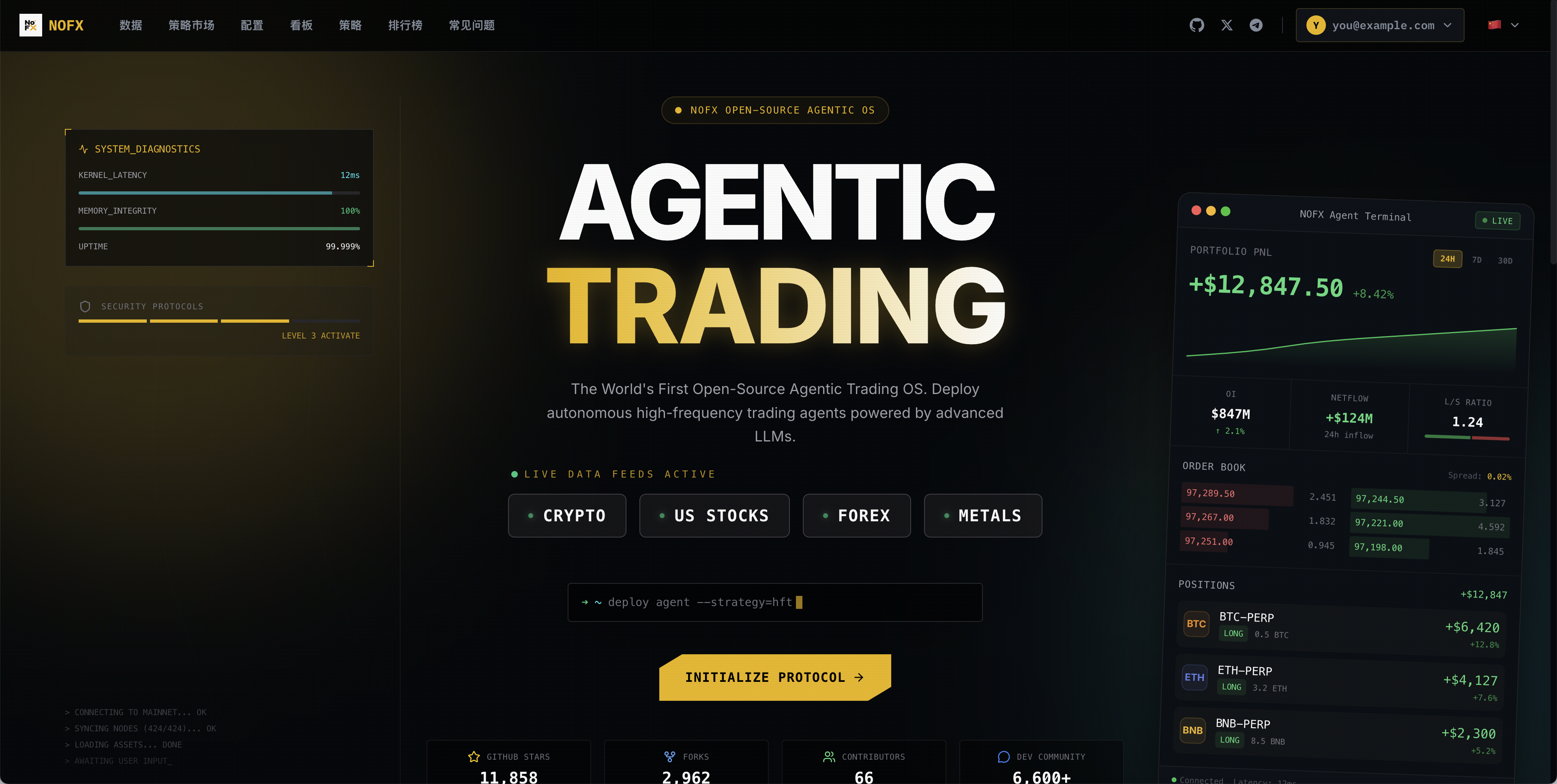
NOFX is an open-source AI trading terminal for active traders who want one workspace for market research, strategy development, execution, and portfolio monitoring.
The product is built around global liquid markets: US equities, commodity contracts, FX pairs, and digital assets. The AI layer helps translate market intent into watchlists, signals, strategy logic, risk controls, and execution workflows.
curl -fsSL https://raw.githubusercontent.com/NoFxAiOS/nofx/main/install.sh | bash
Open http://127.0.0.1:3000.
Register exchanges
Use the links below to open trading accounts for crypto and supported US stock, FX, and commodity derivative markets. These routes are part of NOFX partner programs and may include fee discounts or referral benefits.
| Exchange | Status | Register with fee discount |
|---|---|---|
 Binance Binance |
✅ | Register |
 Bybit Bybit |
✅ | Register |
 OKX OKX |
✅ | Register |
 Hyperliquid Hyperliquid |
✅ | Register |
 Bitget Bitget |
✅ | Register |
 KuCoin KuCoin |
✅ | Register |
 Gate Gate |
✅ | Register |
 Aster Aster |
✅ | Register |
 Lighter Lighter |
✅ | Register |
Quick demo
Click the cover image to watch the demo video.
Markets
US Stocks · Commodities · Forex · Crypto
NOFX organizes research, strategy construction, execution, and monitoring around multi-asset workflows instead of single-venue screens.
AI model access
NOFX routes AI inference through Claw402 automatically. Users do not need to configure model providers, manage API keys, or maintain separate AI accounts. The terminal accesses supported models on demand through Claw402's pay-as-you-go infrastructure, with traffic routed through the official discounted channel.
| Provider | Access |
|---|---|
| Claw402 | Access pay-as-you-go AI models with official discount |
Capabilities
| Capability | Description |
|---|---|
| AI trading terminal | Unified workspace for US stocks, commodities, forex, and crypto workflows |
| AI model access | Unified model access through Claw402-supported providers |
| Exchange connectivity | Binance, Bybit, OKX, Hyperliquid, Bitget, KuCoin, Gate, Aster, and Lighter |
| Strategy Studio | Market universes, indicators, risk controls, and strategy logic |
| Model competition | Compare model-driven traders with live performance and leaderboard tracking |
| Telegram agent | Control and monitor the trading assistant through chat |
| Portfolio dashboard | Positions, P/L, execution history, and model decision logs |
Screenshots
Config Page
| Configuration | Traders List |
|---|---|
 |
 |
Dashboard
| Overview | Market Chart |
|---|---|
 |
 |
| Trading Stats | Position History |
|---|---|
 |
 |
| Positions | Trader Details |
|---|---|
 |
 |
Strategy Studio
| Strategy Editor | Indicators Config |
|---|---|
 |
 |
Competition
| Competition Mode |
|---|
 |
Install
Linux / macOS
curl -fsSL https://raw.githubusercontent.com/NoFxAiOS/nofx/main/install.sh | bash
Railway (Cloud)

Docker
curl -O https://raw.githubusercontent.com/NoFxAiOS/nofx/main/docker-compose.prod.yml
docker compose -f docker-compose.prod.yml up -d
Windows
Install Docker Desktop, then:
curl -o docker-compose.prod.yml https://raw.githubusercontent.com/NoFxAiOS/nofx/main/docker-compose.prod.yml
docker compose -f docker-compose.prod.yml up -d
From Source
# Prerequisites: Go 1.21+, Node.js 18+, TA-Lib
# macOS: brew install ta-lib
# Ubuntu: sudo apt-get install libta-lib0-dev

git clone https://github.com/NoFxAiOS/nofx.git && cd nofx
go build -o nofx && ./nofx          # backend
cd web && npm install && npm run dev  # frontend (new terminal)
Update
curl -fsSL https://raw.githubusercontent.com/NoFxAiOS/nofx/main/install.sh | bash
Setup
Beginner mode: Guided onboarding walks new users through model selection, exchange connection, strategy setup, and first deployment.
Advanced mode:
- Configure AI model access
- Connect exchange credentials
- Build or import a strategy
- Create an AI trader profile
- Launch, monitor, and iterate from the dashboard
All configuration is available from the web UI at http://127.0.0.1:3000.
Deploy to server
HTTP deployment:
curl -fsSL https://raw.githubusercontent.com/NoFxAiOS/nofx/main/install.sh | bash
# Access via http://YOUR_IP:3000
HTTPS via Cloudflare:
- Add domain to Cloudflare (free plan)
- A record → your server IP (Proxied)
- SSL/TLS → Flexible
- Set
TRANSPORT_ENCRYPTION=truein.env
Architecture
                              NOFX
    ┌─────────────────────────────────────────────────┐
    │                 Trading Terminal                 │
    │        React + TypeScript + TradingView          │
    │      US Stocks · Commodities · Forex · Crypto    │
    ├─────────────────────────────────────────────────┤
    │                  API Server (Go)                  │
    ├──────────────┬──────────────┬───────────────────┤
    │   Strategy    │   Telegram   │   Trader Runtime  │
    │    Engine     │    Agent     │   Risk Controls   │
    ├──────────────┴──────────────┴───────────────────┤
    │                 AI Model Layer                    │
    │    Unified provider access through Claw402        │
    │    Model routing · payment · execution support    │
    ├─────────────────────────────────────────────────┤
    │              Exchange Connectivity                │
    │ Binance · Bybit · OKX · Hyperliquid · Bitget     │
    │ KuCoin · Gate · Aster · Lighter                  │
    └─────────────────────────────────────────────────┘
Docs
| Architecture | System design and module index |
| Strategy Module | Coin selection, AI prompts, execution |
| FAQ | Common questions |
| Getting Started | Deployment guide |
Contributing
See Contributing Guide, Code of Conduct, and Security Policy.
Contributor Airdrop Program
NOFX tracks meaningful contributions and intends to reward contributors as the ecosystem grows. Priority issues carry higher reward weight.
| Contribution | Weight |
|---|---|
| Pinned Issue PRs | ★★★★★★ |
| Code (Merged PRs) | ★★★★★ |
| Bug Fixes | ★★★★ |
| Feature Ideas | ★★★ |
| Bug Reports | ★★ |
| Documentation | ★★ |
Links
| Website | vergex.trade |
| Dashboard | vergex.trade/explore |
| Telegram | nofx_dev_community |
| @vergex_ai |
Risk warning: Automated trading involves substantial risk. Use appropriate position sizing, understand each exchange venue, and do not trade funds you cannot afford to lose.
Sponsors


